“StudioTax Is Already Installed” Error
If you are seeing a message saying StudioTax is already installed, it is because StudioTax is already installed on your computer. The installer is only needed once — running it again after a successful installation will trigger this message.
You do not need to reinstall. Here is how to find and launch StudioTax:
Option 1: Check Your Desktop
StudioTax should have been added to your desktop during installation. Look for the StudioTax icon and double-click it to launch the application.
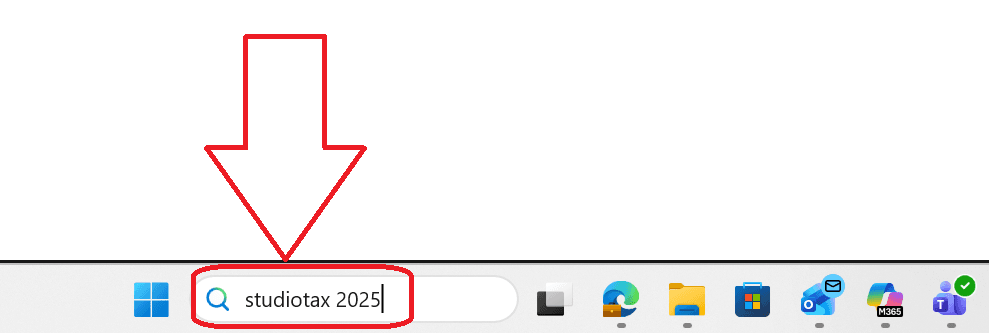
Option 2: Use the Windows Search Bar
Press the Windows key or click the search icon in the taskbar, then type StudioTax. The application will appear in the results.
Option 3: Check the Installation Folder
You can also navigate directly to the installation folder. The path follows this format:
C:\Program Files\BHOK IT Consulting Inc\StudioTax [Year]For example, for StudioTax 2025:
C:\Program Files\BHOK IT Consulting Inc\StudioTax 2025Inside that folder, double-click StudioTax.exe to launch the application.