To delete a return entirely, you need to locate the return file on your computer and delete it.
Return files use a two-digit year extension — for example, .25t for a 2025 return, .24t for 2024, and so on.
Important: Deleting a return is permanent. Note that it will still be counted against your 20-return limit — CRA requires that no more than 20 returns be created per computer, and deleting a return does not reset that counter.
Finding Your Return File
If you are not sure where the file is saved, open the return in StudioTax. The full file path will be displayed in the top bar of the application window.

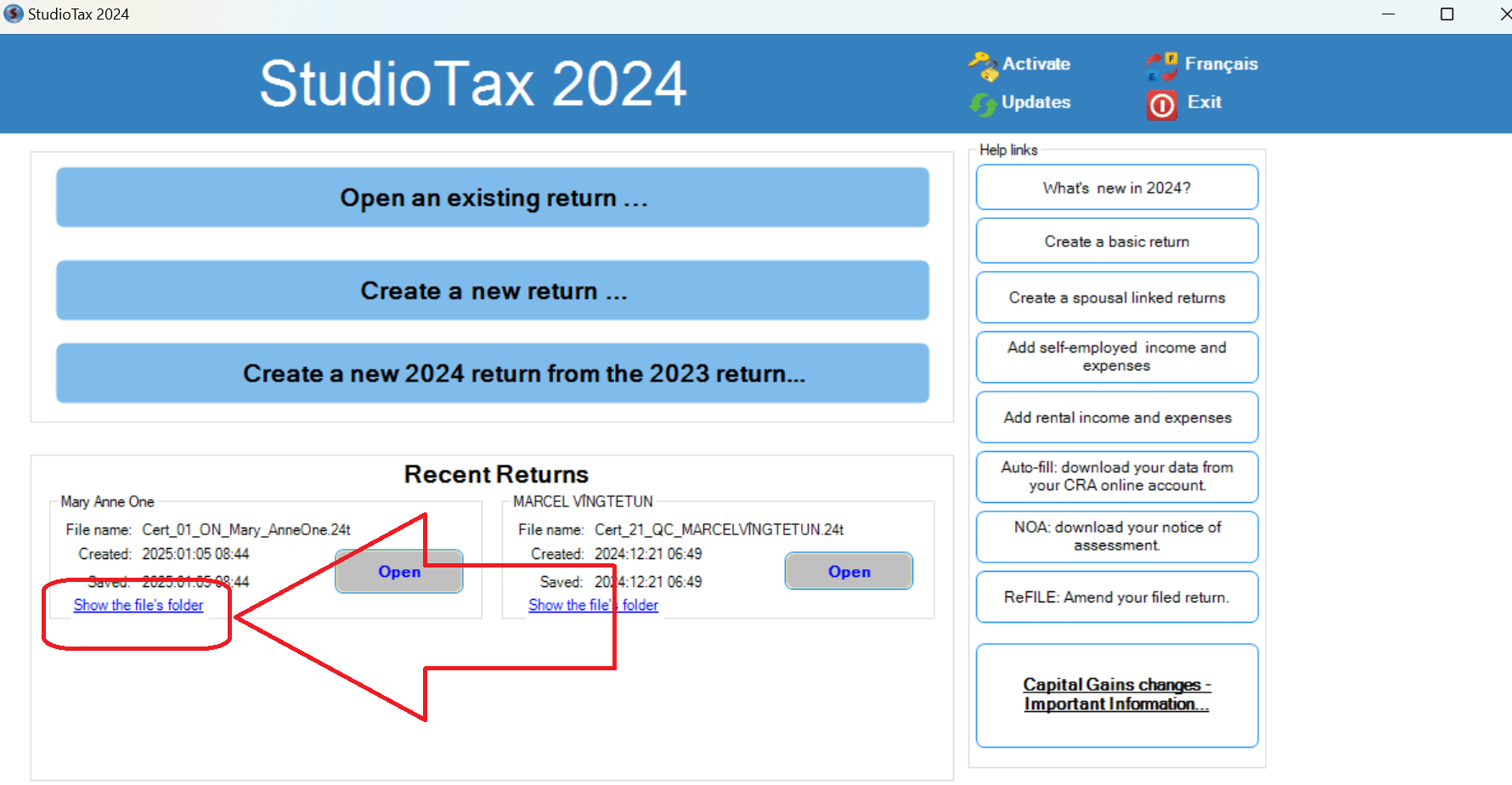
You can also use the Show file’s folder button on the welcome page to open the folder containing your return directly.
Once you have located the file, delete it from your computer as you would any other file.