There are two ways to create a linked spousal return.
Method 1: From the wizard
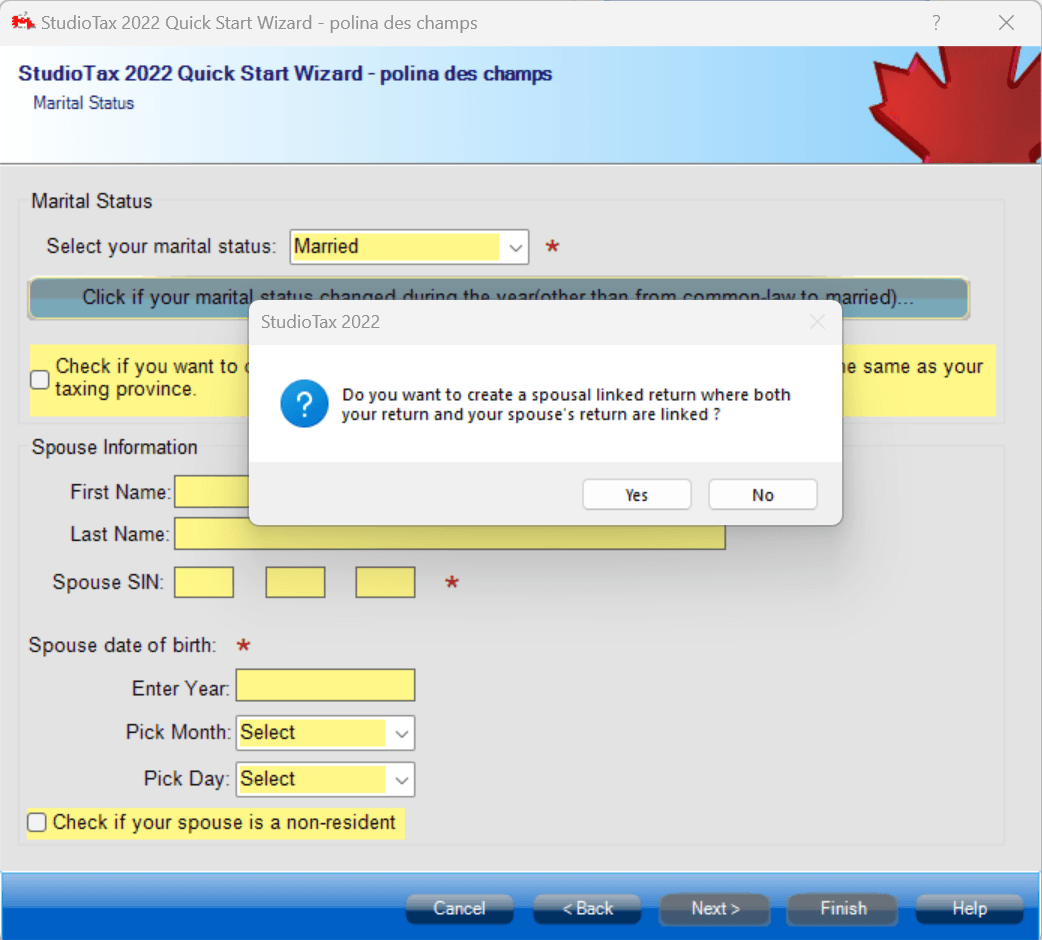
When creating your returns, you can choose to create a linked return when entering your marital status.
Your marital status should be Married or living common law. The software will ask you if you want to create a linked return as shown in the screen capture below.
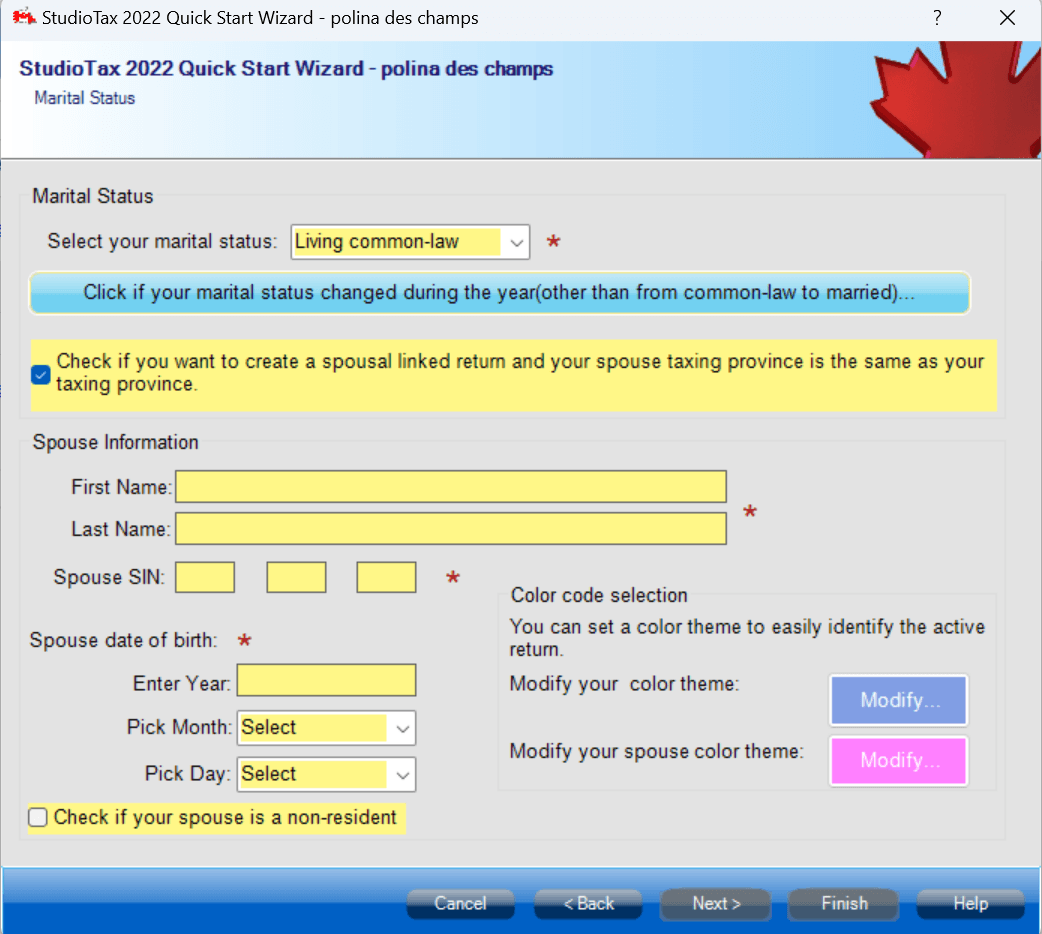
If you choose to create a linked return, you can personalize the color of your returns to better identify them.
Method 2: After creating returns
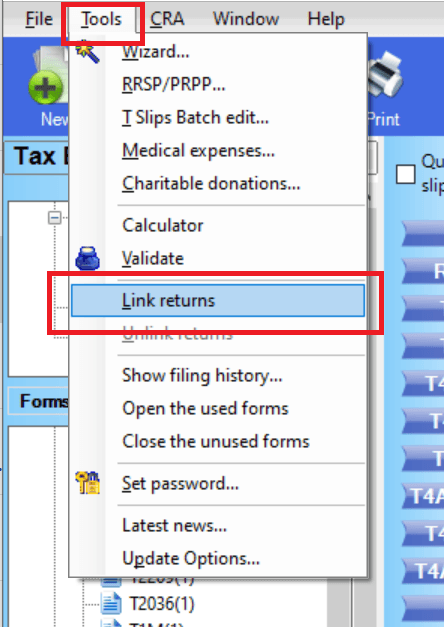
If you have already created your returns and you want to link them, you can do so by clicking Link returns from the tools menu.
In order to be able to link the returns:
- Both returns must be open in the explorer.
- Your information must be compatible: SIN, name, date of birth of the spouse, etc.
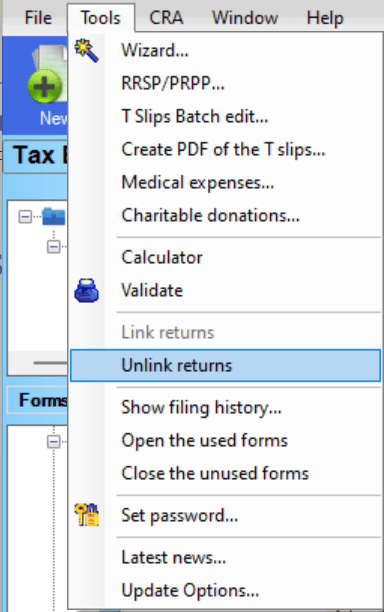
You can also unlink your returns the same way you linked them.
Note: When creating a linked return, you still need to file both of your returns.